
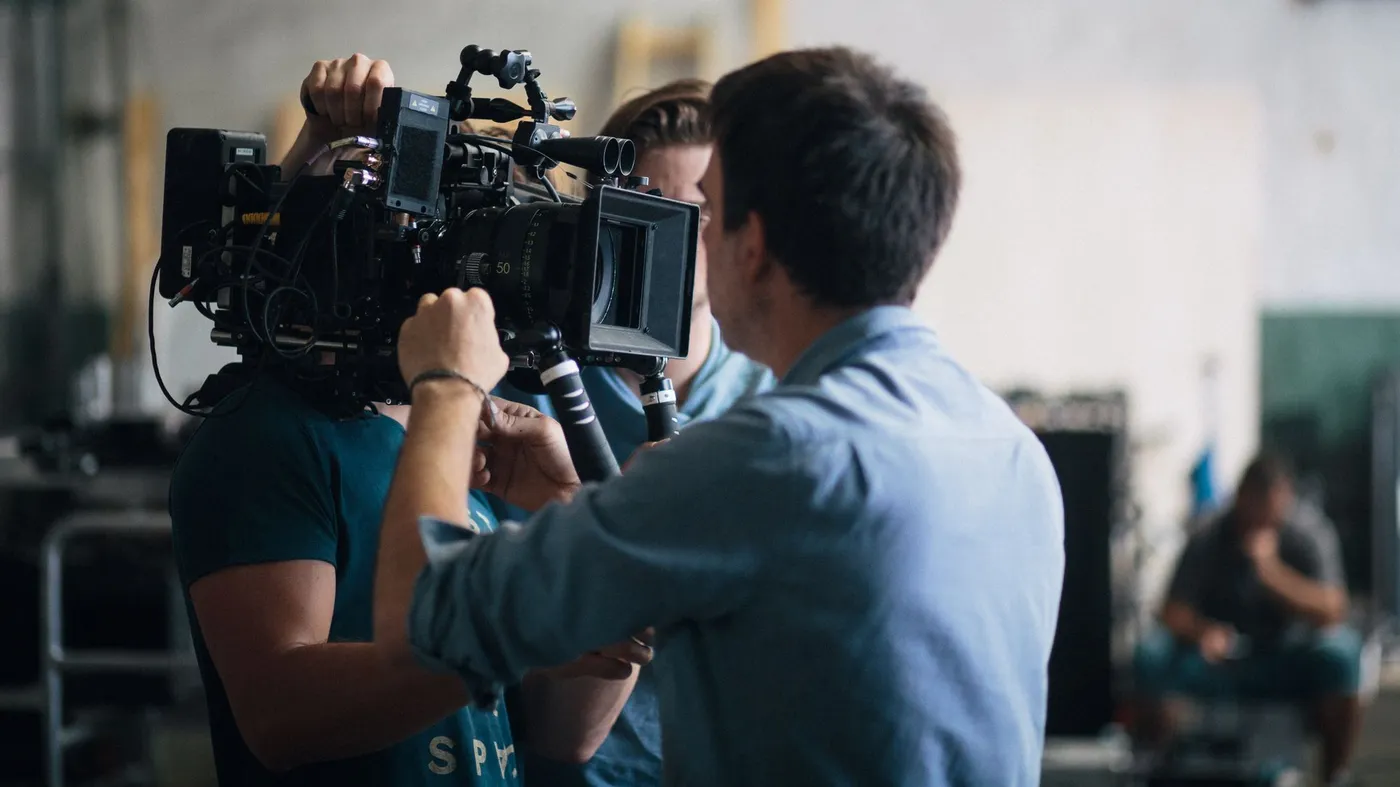
Every polished title you stream is the end of a long relay. Writers, planners, camera and lighting teams, sound recordists, editors, colorists and delivery engineers each pass the project to the next person in line, and every handoff shapes what finally reaches your screen.
Casual uploads usually skip most of that relay. One person points a phone or webcam, records and posts, often within the same hour. That speed has real value, but it also means the steps that protect picture, sound and pacing tend to get left out. The sections below follow a professional production from the first page of the script to the file that lands on a streaming server.
About the terms used here: words like "professional" and "studio-produced" describe a workflow with dedicated planning, crew, equipment and finishing. They are not a ranking of creators or a verdict on what anyone should enjoy watching.
It Starts on Paper: Scripts, Storyboards and Shot Lists
Pre-production is where most of a shoot's problems get solved before they happen. The script sets out what each scene has to accomplish, and a script breakdown turns those pages into lists of the locations, props, wardrobe and people needed on each shooting day.
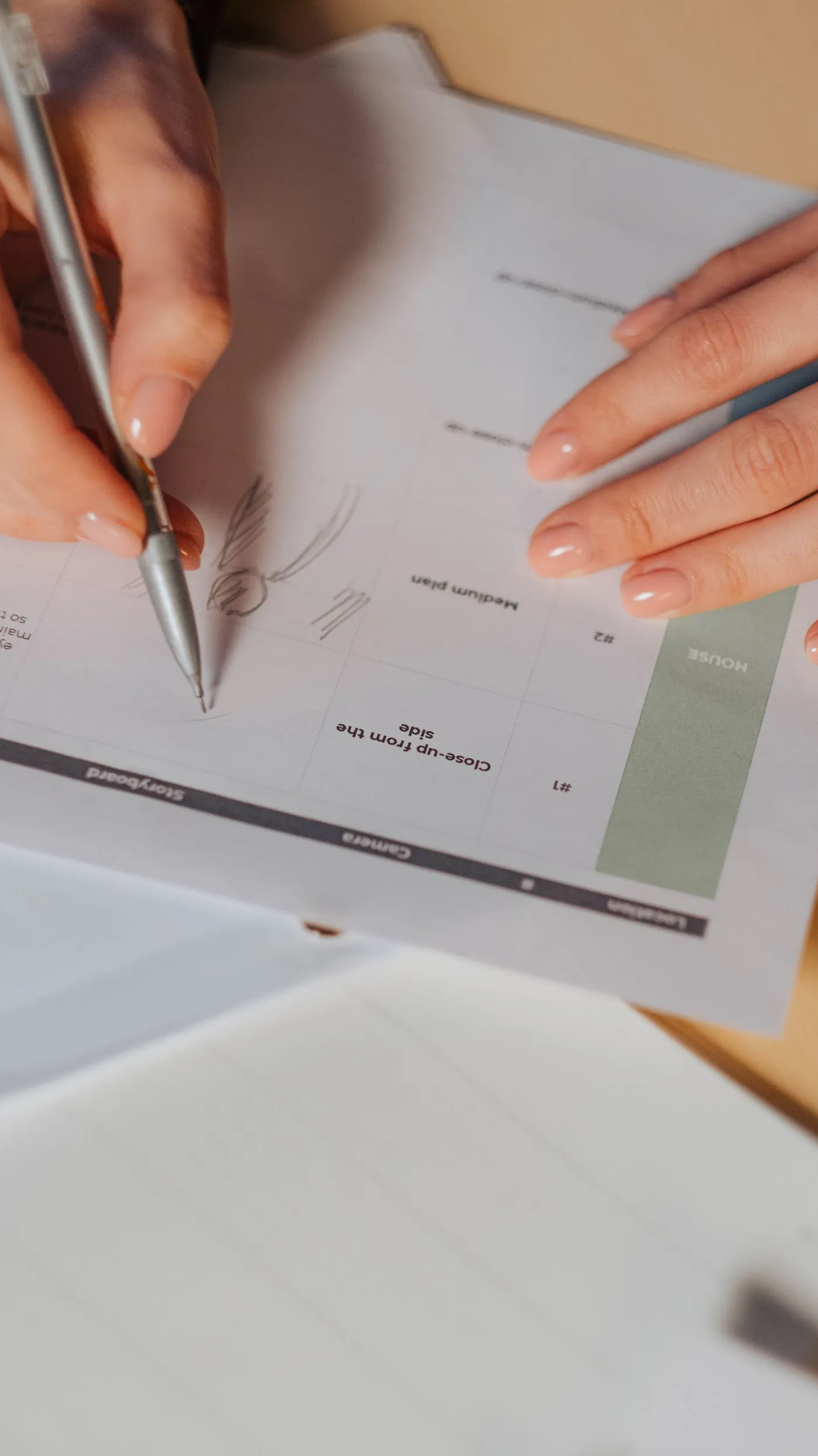
Next comes the visual plan. Storyboards sketch the key frames so the director and cinematographer agree on framing before any camera arrives. A shot list then turns those sketches into a working schedule that notes the lens, angle and movement for every setup, so the day runs in a sensible order instead of by improvisation.
Location scouting closes the loop. The team visits each space to check power, background noise, available daylight and the room needed for lights and stands. A quiet, well-understood location saves hours on the day and avoids compromises that would otherwise surface in the edit.
Shaping Light Around the Subject
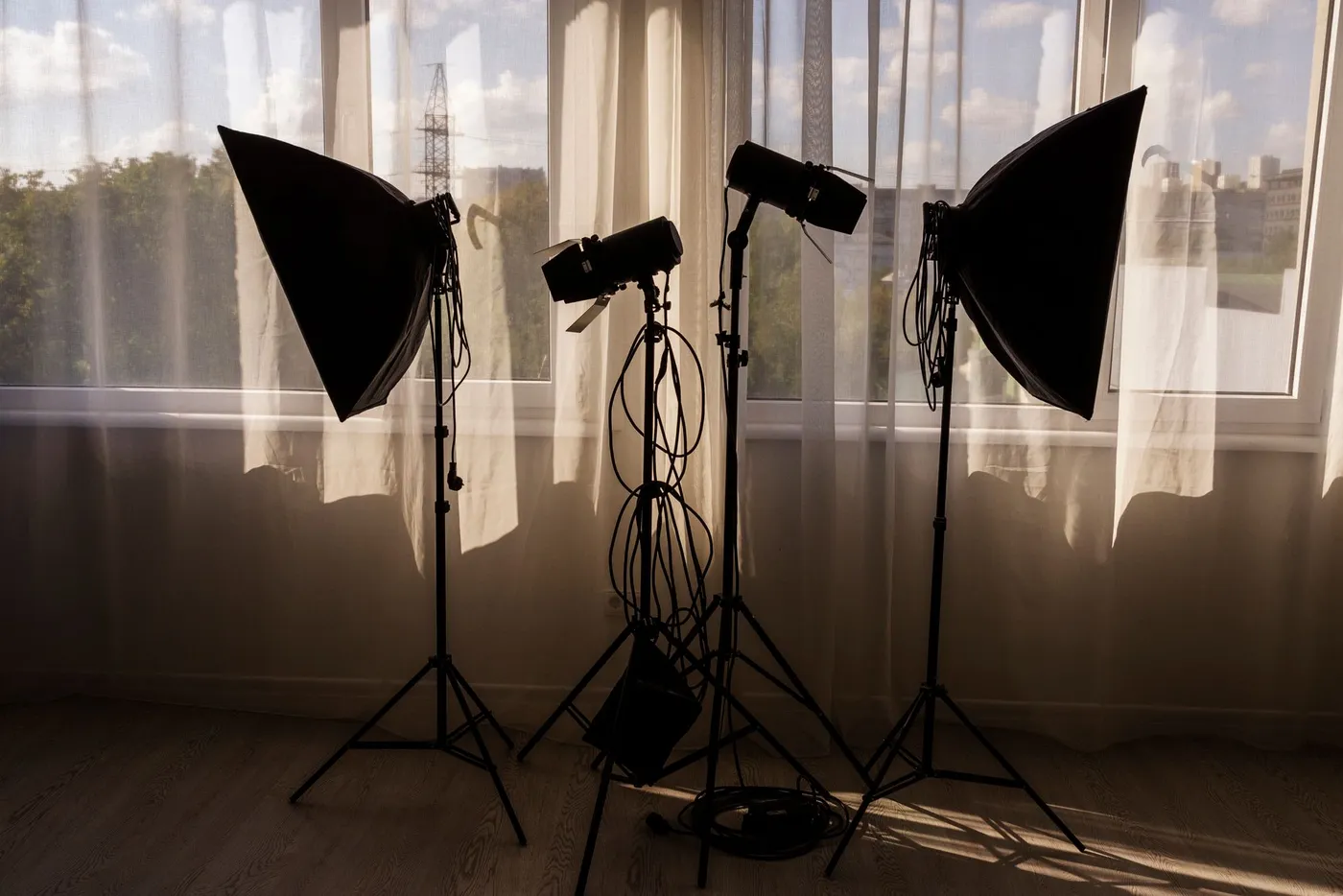
On set, light has its own department. The director of photography designs the look, the gaffer leads the electrical crew that places and powers the fixtures, and the grips build the stands, flags and diffusion frames that control where the light lands.
Most setups begin with the three-point approach. The key light is the main source and sets both exposure and mood. A fill light, placed on the opposite side and usually dimmer, softens the shadows the key creates. A back light, sometimes called a rim light, sits behind the subject to trace an outline and lift it away from the background.
Softboxes show up in all three roles. By spreading light across a large diffusion panel, they soften shadow edges and tame harsh highlights on skin and fabric. Crews also match the color temperature of every fixture, so whites stay white and skin tones hold steady from one shot to the next.
A good production is a chain of careful handoffs. Each stage, from the shot list to the encoder, either protects what the last one built or quietly loses some of it.
Pipeline notes, ravunomedia.com
Coverage, Lenses and Sound Recorded Clean
Professional scenes are rarely filmed from a single position. A multi-camera setup records a wide shot, a medium shot and close-ups at the same moment, or the scene is repeated once for each angle. That coverage gives the editor choices about timing and emphasis that one locked-off camera can never offer.
Lens choice changes how a shot feels. Wider focal lengths show more of the space and stretch the sense of depth, while longer lenses compress the background and isolate the subject. Wide apertures create a shallow depth of field, which is why a focus puller often works beside the camera operator to keep the subject sharp as people move.
Sound gets the same care. A boom operator holds a directional microphone just outside the frame, and small lavalier microphones may be tucked into clothing as a backup. The production sound mixer monitors levels on headphones, records each microphone to its own track and captures a short stretch of room tone that the editor can use to smooth over gaps. Later, a re-recording mixer balances dialogue, music and effects into the final mix.
Rhythm in the Edit, Mood in the Grade
Editing starts with organization. Footage is logged, synced with the separately recorded audio and grouped by scene, so the editor can compare every take of a moment side by side. A rough cut lays out the story, and each later pass tightens it.
Rhythm is the editor's main instrument. Cuts timed to a movement, a line of dialogue or a pause feel natural, while holding a shot a beat longer lets a moment land. Matching eyelines and screen direction keeps viewers oriented, so a long piece plays as one continuous flow rather than a string of clips.
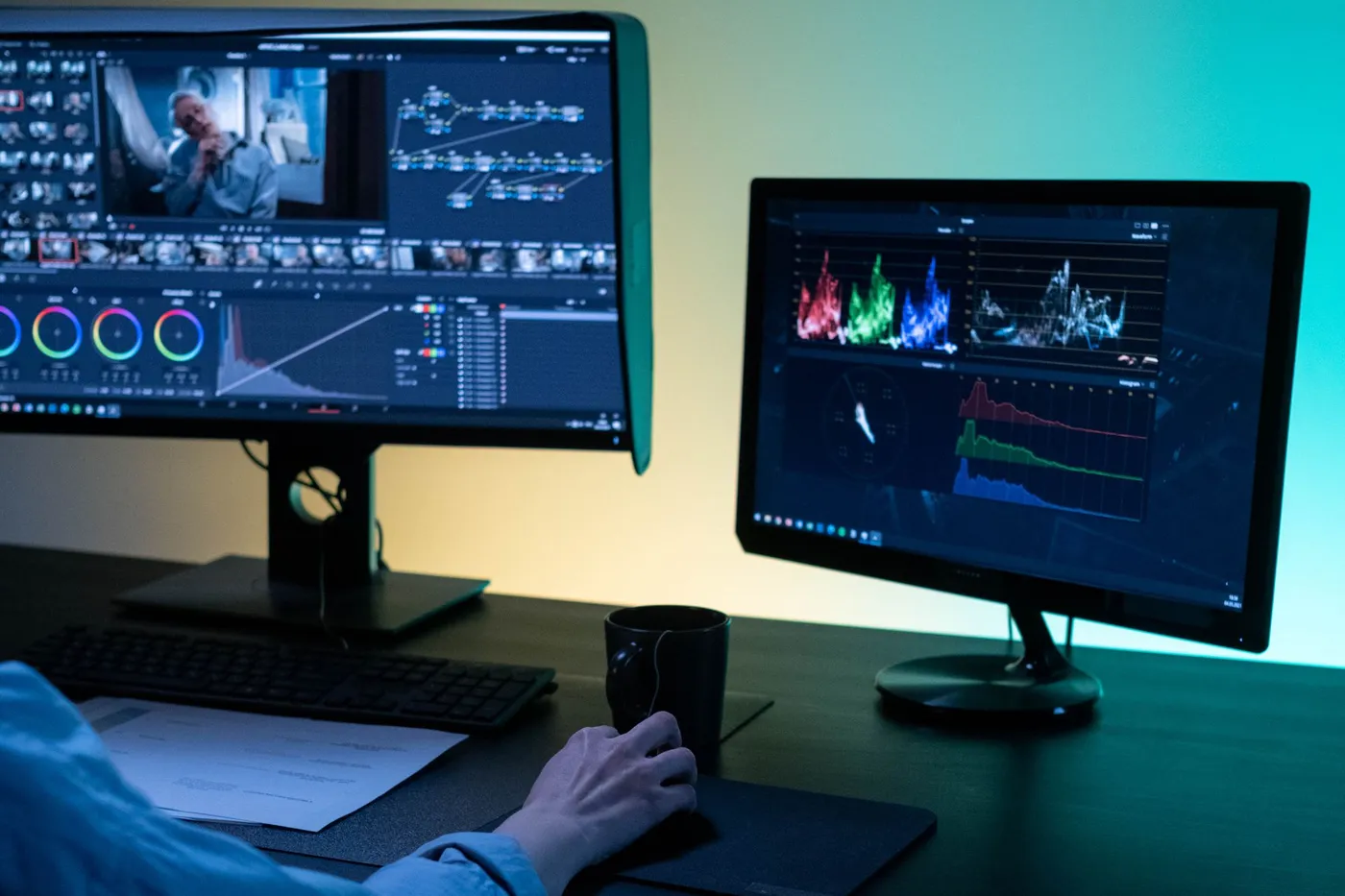
Once the picture is locked, a colorist takes over. Color correction balances exposure and white balance so shots from different cameras and times of day match. Color grading then sets the mood, warmer for one scene and cooler or more contrasty for another, using scopes and calibrated reference monitors instead of guesswork.
Mastering and Encoding for the Stream
When the grade and the mix are approved, the project is mastered. Picture and sound are combined into a high-quality master file that becomes the reference for every version made afterward, and the audio is checked against loudness targets so volume stays consistent from one title to the next.
That master is far too large to stream as it is. Instead, it is encoded with codecs such as H.264, HEVC or AV1 into several versions at different resolutions and bitrates. Adaptive streaming players switch between those versions as your connection speeds up or slows down, aiming to keep playback smooth without needless drops in quality.
This is where a curated library and casual uploads part ways most clearly. A clip filmed on a phone and posted as-is passes only through a platform's automatic processing. A studio-produced title reaches the encoder already lit, mixed, graded and mastered, so there is more clean detail to carry through at every bitrate.
Casual uploads
- Often one camera and a built-in mic
- Little planning, mixing or grading
- Results vary from uploader to uploader
Studio-produced library
- Planned coverage and dedicated crew roles
- Mixed, graded and mastered before release
- Encoded from a finished master file
Where the Pipeline Leads: A Curated Membership
For viewers who would rather spend their time with finished, studio-produced work than scroll an open feed, one option is a paid membership that gathers a large catalog of curated media titles into a structured library. Titles are delivered as high-definition playback streams, with a streamlined interface as set out in the provider's terms.
According to the provider, playback is synchronized across desktops, smartphones and VR headsets. Account setup options and privacy settings are explained at registration, and the checkout page sets out the billing details for you to review before you commit.
If a library made up of professionally finished titles matches your viewing habits, set aside a few minutes to review the provider's details and terms yourself.
Worth checking first
- The screens you expect to use: desktop, smartphone or VR headset
- How each account setup option works
- What the privacy settings at registration cover
- Every line of the billing details at checkout
- The terms and policies published by the provider